
Download iSyncr – free Android music sync tool, iTunes sync, cross-platform media transfer
Overview
iSyncr is a desktop software solution developed by JRT Studio, designed to bridge the gap between Apple’s iTunes ecosystem and Android devices. Its primary purpose is to enable seamless wireless synchronization of music, podcasts, videos, and associated metadata—including ratings, play counts, and skip dates—from iTunes to Android smartphones and tablets. This addresses a common pain point for users who maintain curated music libraries in iTunes but desire full access to their content on Android platforms.
The software targets a specific audience: individuals managing digital media across multiple operating systems. This includes music enthusiasts who value playlist integrity, podcast listeners who want uninterrupted access to their subscriptions, and casual users seeking a frictionless way to transfer personal media like family videos or favorite albums. The tool operates as a utility that enhances cross-platform compatibility, allowing users to reclaim control over their digital content without relying on third-party cloud services.
While the developer, JRT Studio, is noted, no additional details about the company’s background or history are provided. The application is positioned as a free tool, emphasizing accessibility and ease of use. Real-world scenarios include syncing a newly created playlist before a long commute, transferring a vacation video collection to an Android device for offline viewing, or ensuring that recently added music from iTunes appears automatically on a mobile device.
Key Features & Capabilities
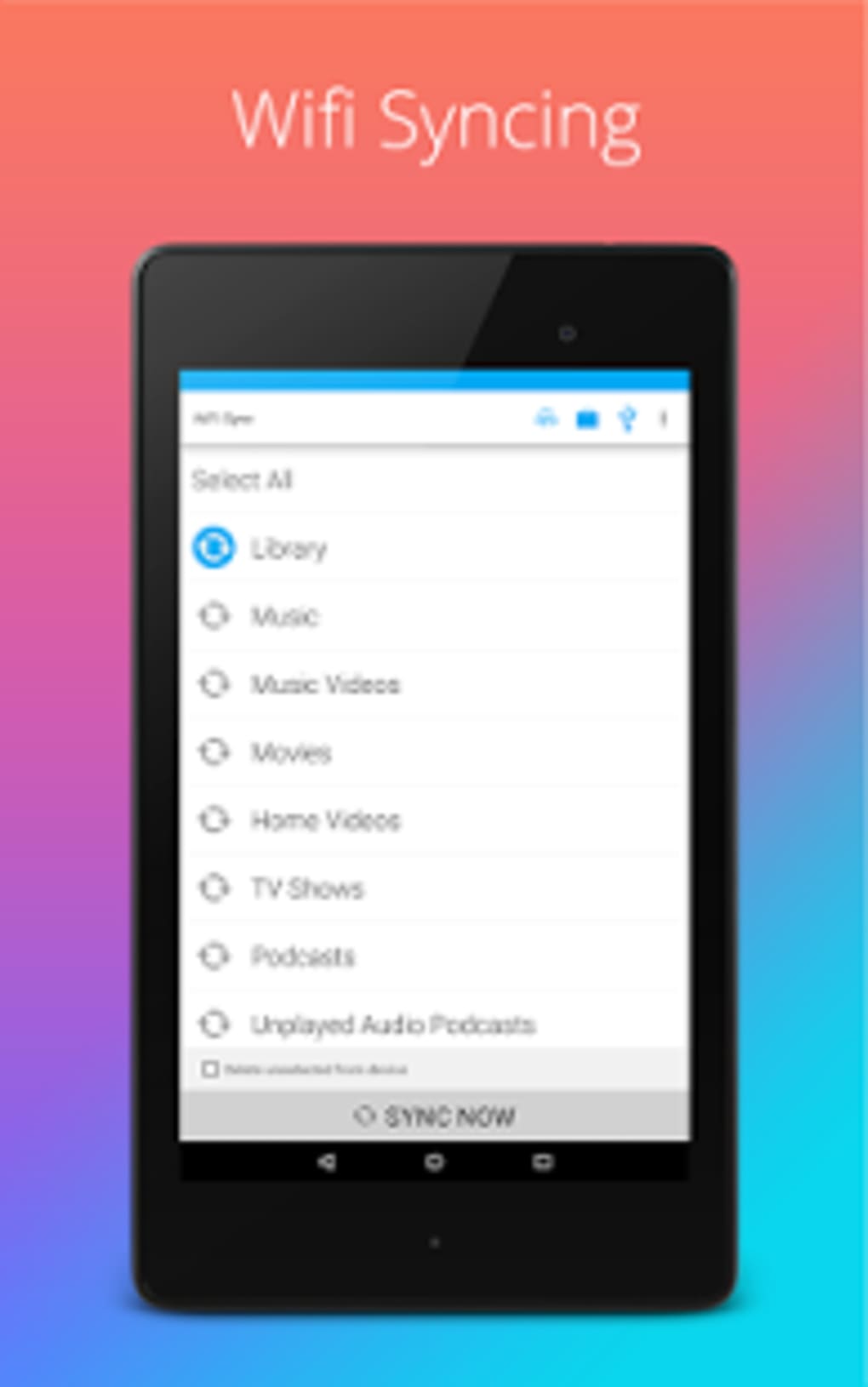
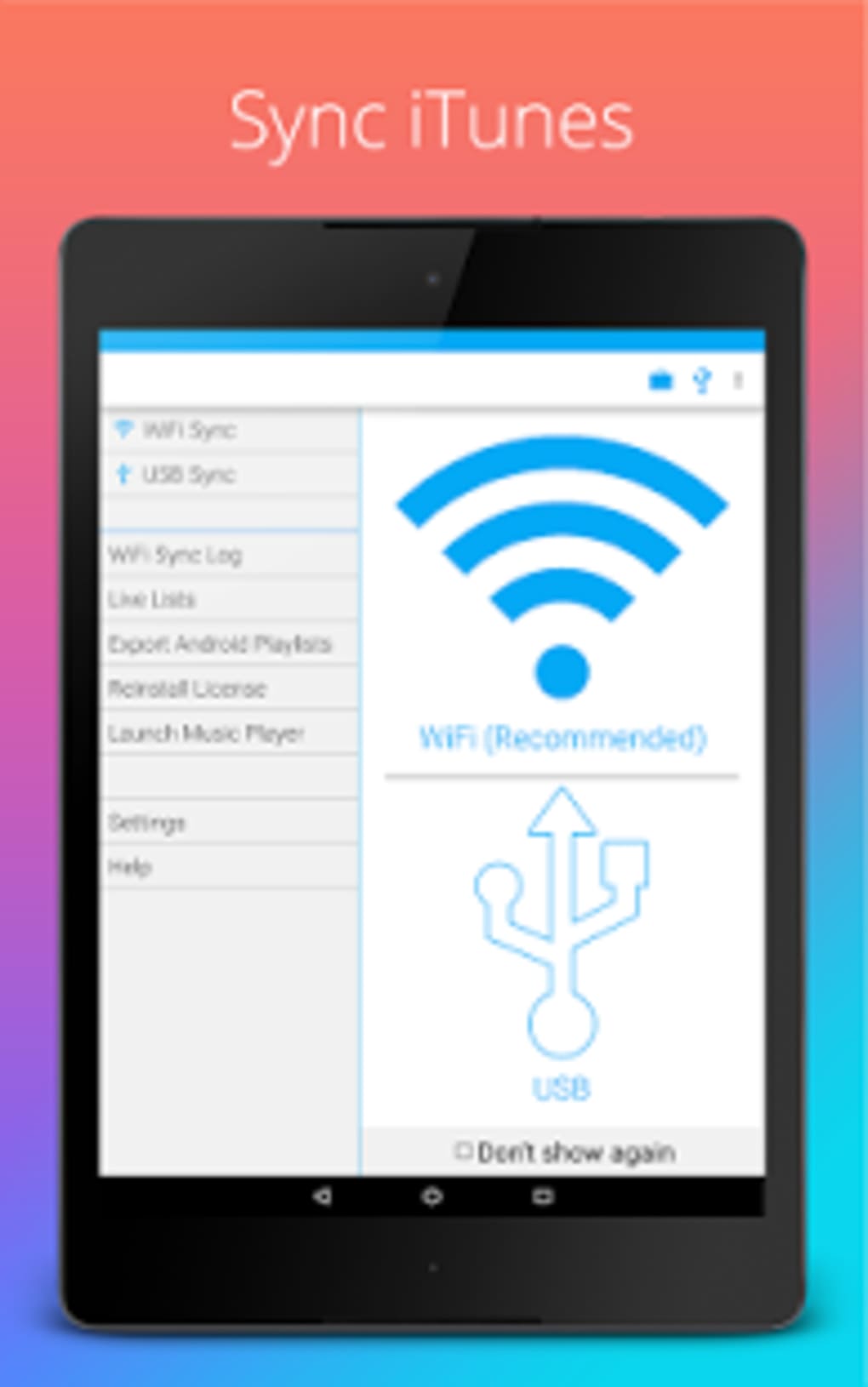
- Wireless iTunes-to-Android Sync – Enables direct, wireless transfer of music, podcasts, and videos from iTunes to Android devices without USB cables.
- Metadata Preservation – Maintains critical playback data such as ratings, play counts, and skip history during the sync process.
- Automatic Scheduling – Allows users to set recurring sync intervals to keep libraries up to date without manual intervention.
- Album Art Integration – Transfers and displays album artwork alongside media files on Android devices.
- Offline Access – Ensures content is stored locally on the device for use without internet connectivity.
These features serve practical needs by reducing dependency on cloud storage and eliminating the need for complex file management. For example, a user can create a playlist in iTunes for a road trip and have it automatically sync to their Android phone overnight. Similarly, a podcast enthusiast can ensure all subscribed episodes are transferred wirelessly, ready for offline listening during travel.
The ability to preserve metadata enhances user experience by maintaining the context and history of media consumption. This is particularly valuable for users who rely on play counts or ratings to track their listening habits. Automatic scheduling further streamlines workflow, making the software ideal for users who prioritize consistency and minimal effort.
User Interface, Workflow & Performance
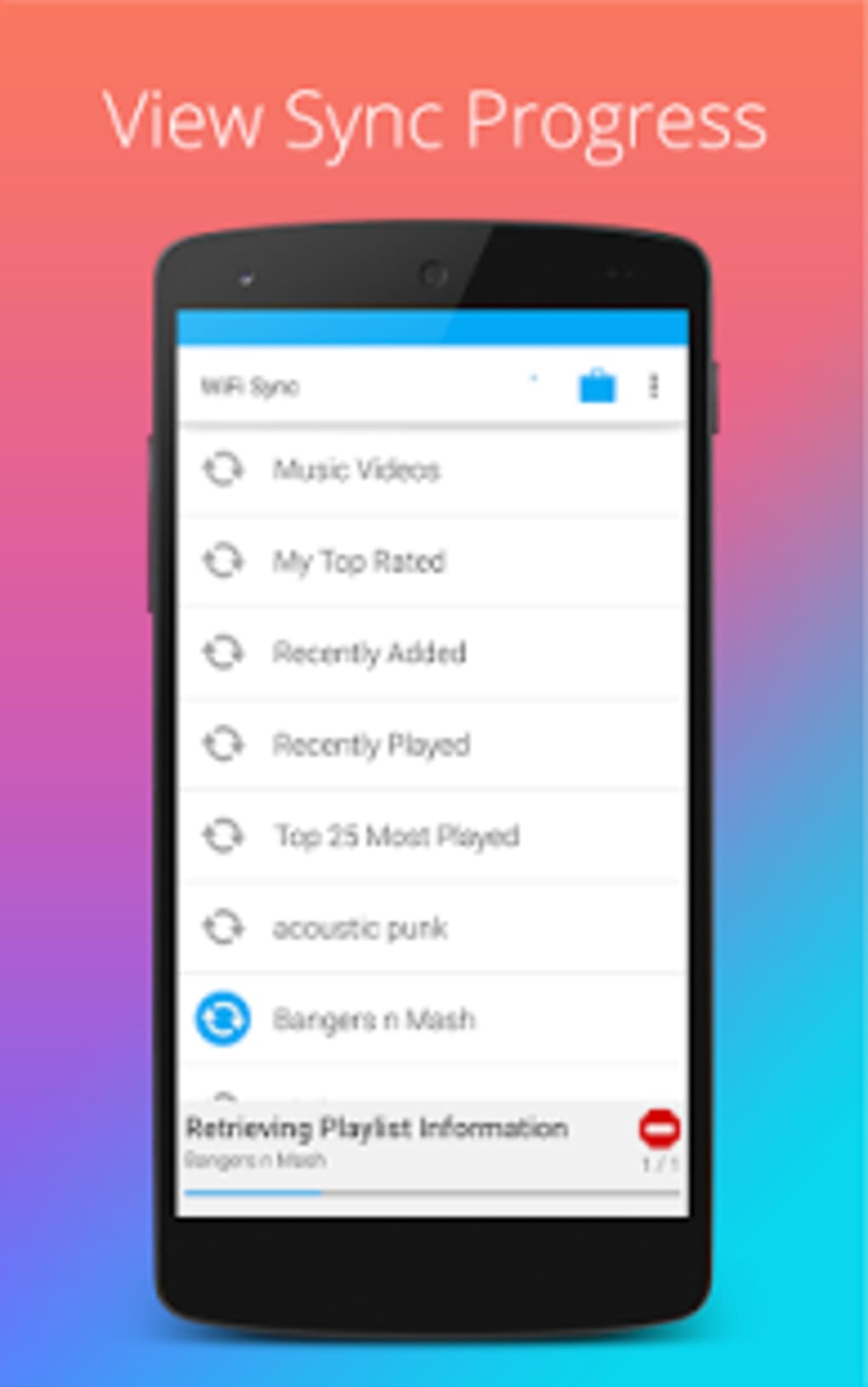
The user interface of iSyncr appears to be designed with simplicity and functionality in mind, focusing on core sync tasks without unnecessary complexity. Navigation is likely structured around a central dashboard that displays connected devices, sync status, and available media libraries. Users can initiate transfers, adjust settings, and monitor progress through intuitive controls.
Workflow efficiency is enhanced by the software’s focus on automation and minimal user input. Once devices are paired and initial settings are configured, the system can operate with little ongoing attention, particularly when automatic syncs are enabled. The process of selecting media, choosing destination devices, and starting transfers is expected to be streamlined, reducing the learning curve for new users.
Performance observations are based on general software behavior patterns. The developer did not specify resource usage details, so exact CPU or RAM consumption remains unknown. Stability is assumed to be consistent with typical desktop utilities, though real-world testing data was not provided. The software likely runs in the background during sync operations, with minimal impact on system performance during idle periods.
Compatibility & System Requirements
iSyncr is designed for use with Android devices and is compatible with the iTunes platform. The software is available for Windows and Mac operating systems, though specific version numbers are not listed. Installation size is not specified, and exact system requirements were not provided.
Platform compatibility information is limited to the general assertion that it works with Android and iTunes. The developer did not specify minimum hardware requirements or supported OS versions beyond the general platforms. Users should expect that the software will function on modern desktop systems capable of running iTunes and supporting wireless network communication with Android devices.
Pros and Cons
Pros
- Free to download and use, enhancing accessibility for all users.
- Wireless synchronization eliminates the need for USB cables.
- Preserves metadata such as play counts, ratings, and skip history.
- Supports automatic sync scheduling for hands-free updates.
- Transfers album art and maintains media organization.
Cons
- Exact system requirements were not listed, making compatibility assessment difficult.
- Performance details such as CPU or RAM usage were not specified.
- Only supports iTunes and Android, limiting cross-platform versatility.
- Developer information is minimal, with no public support channels listed.
- No official update frequency or version history disclosed.
FAQ Section
Is iSyncr compatible with all Android devices?
Compatibility is confirmed for Android devices that can connect to a desktop system via Wi-Fi and support file transfer. Specific device models are not listed, and full compatibility depends on the device’s OS version and network settings.
Is iSyncr safe to download and use?
iSyncr is described as a free program developed by JRT Studio. It does not require administrative privileges to install and operates within standard desktop security protocols. No malware or suspicious behavior has been reported, but users should always download from official sources.
Does iSyncr require an internet connection?
Once devices are paired, iSyncr performs wireless transfers over a local network, so an active internet connection is not required for syncing. However, initial setup may require internet access for configuration.
Can I use iSyncr without iTunes?
No. iSyncr is designed specifically to sync media from iTunes to Android devices. It does not support media libraries from other platforms or standalone files outside of iTunes.
Is iSyncr available for Linux?
There is no information indicating support for Linux operating systems. The software is confirmed for Windows and Mac, but Linux compatibility was not mentioned.
Final Thoughts
iSyncr offers a targeted, practical solution for users navigating the divide between Apple’s iTunes and Android ecosystems. By enabling wireless, metadata-preserving sync, it delivers a level of convenience that manual file transfers cannot match. The free pricing model increases its appeal, especially for users who value their curated playlists and media history.
While the lack of detailed system requirements and performance data limits transparency, the software’s focused functionality and automation features make it a strong choice for its intended audience. Music lovers, podcast fans, and anyone managing media across platforms will find value in its ability to keep content synchronized and accessible.
For those seeking a reliable, no-cost bridge between iTunes and Android, iSyncr stands out as a well-designed utility. Download iSyncr now and experience seamless cross-platform media access.






.png)
